The 5 Tools We Use Daily | CLP Advertising
The 5 Tools We Use Daily to Manage Client Marketing Campaigns
Running a content marketing agency means juggling multiple platforms, projects, and people. After testing dozens of platforms, we’ve landed on five core tools that keep our work flowing smoothly. Whether you’re freelancing solo or managing a team, these platforms can help streamline your systems and save you hours each week. –View all of our marketing tools and resources.
Here’s a quick intro to the tools we use every day at CLP Advertising & Photography Services — plus links to more in-depth breakdowns if you want to dive deeper.
Next up is how we keep our communication and collaboration seamless.
Jump to: Cloud Campaign | Google Workspace | SEO Tools | Tekmatix | Canva Pro
1. Cloud Campaign – Social Media Scheduling
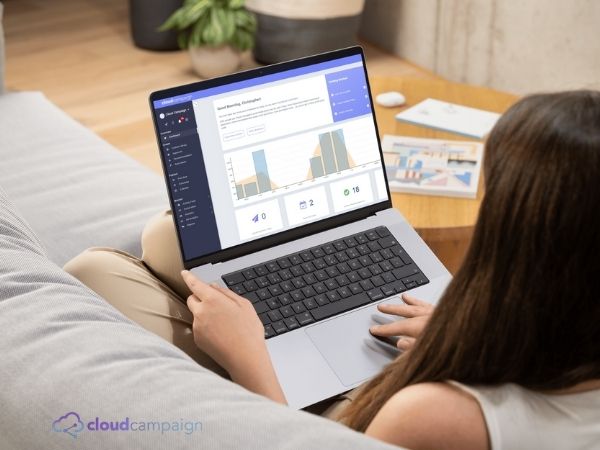
Best for:Social media scheduling, content libraries, and client dashboards
Cloud Campaign allows us to manage multiple client accounts, schedule content across platforms, and reuse evergreen posts without hassle. It’s built for agencies but simple enough for freelancers too, offering a smooth and powerful way to stay on top of your social media game.
✅ White-labelled dashboards
✅ Auto-posting and analytics
❌ Requires a bit of setup initially

Cloud Campaign offers agency-level tools, and it’s what keeps our social media systems running smoothly... We would like to offer it to small businesses....
✨ Includes a free trial, expert setup, and a strategy session to automate your content stress-free.
👉Learn more and claim your spot here
Are you a marketer or agency? Click here for Cloud Campaign’s direct plans we highly recommend it!
2. Google Workspace - Communications
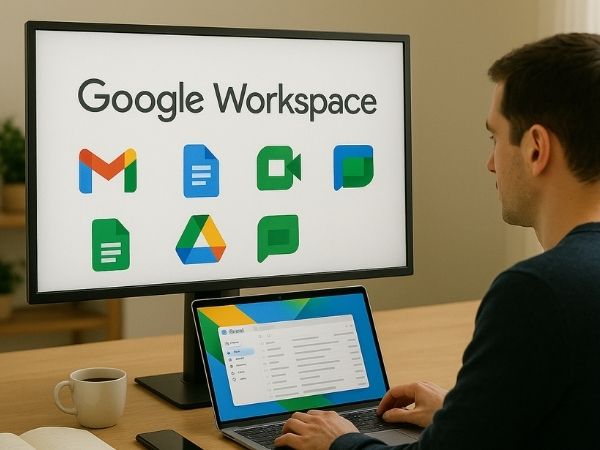
Best for:Email, file storage, and collaboration
We use Gmail, Docs, Sheets, and Drive daily. It’s where content drafts are reviewed, campaign calendars live, and client assets are stored securely.
✅ Real-time collaboration
✅ Seamless integration
❌ Admin panel can feel complex when scaling
📨 Google Workspace vs Microsoft 365 – Feature Comparison. Click to view
3. SEMrush or SE Ranking - SEO Tools
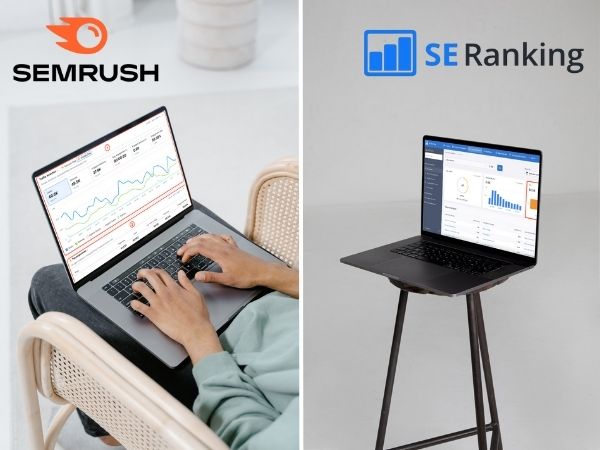
Best for:SEO research, keyword tracking, and competitor audits
We use SEMrush for advanced clients needing deep audits and backlink tracking. For budget-conscious clients, SE Ranking provides a more accessible all-in-one SEO toolkit.
✅ SEMrush: Powerful and comprehensive
✅ SE Ranking: Affordable and user-friendly
❌ SEMrush: More expensive and data-heavy
For a more detailed look at SEO Tools, we have a new blog coming soon that will take you through our recommended platforms, click here to sign up to our email list and receive it in your inbox.
4. Tekmatix - CRM System
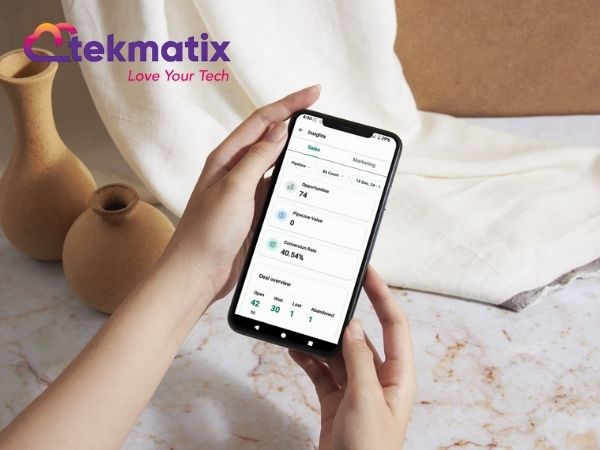
Best for:CRM, email marketing, landing pages, and automations
This all-in-one platform powers our client onboarding, digital product delivery, and internal automations. It’s the quiet engine behind the scenes.
✅ Combines tools like Kajabi, ActiveCampaign, and Calendly
✅ Cost-effective for Aussie businesses
❌ Still gaining traction in the market
5. Canva Pro – Easy Visual Content Creation

Best for: DIY design and branded content templates
From social posts to lead magnets, Canva is our favourite design tool. It’s perfect for batching content and creating cohesive visual branding.
✅ Easy to use with templates
✅ Great for brand consistency
❌ Limited customisation for complex design needs
Each of these tools powers a different part of our business, and together, they make everything run smoother. If you want a deeper look at how these platforms work or which one might be right for your setup, We’re working on detailed breakdowns of each platform - join our email list to be the first to get them.
→ Join our list to get notified when they drop
Want to see how these tools can work for you?
Click any of the links above to explore them. Every tool we recommend is something we actively use at CLP. And if you have questions or need help picking the right tool for your setup, we’re happy to chat. - Head to our website and chat with us directly!
✨ Tools Summary + Quick Links
Here’s a quick recap of the tools we use daily:
Cloud Campaign – Schedule and automate social content
Google Workspace – Centralise communication and storage
SEMrush / SE Ranking – Keyword research and SEO audits
Tekmatix – CRM, email, and automation made simple
Canva Pro – Branded content and social templates in minutes
Not sure what fits your setup? Reach out to us, we’re happy to help.
Author Bio

Ellie Clare is a digital marketer, content strategist, and the founder of CLP Advertising & Photography Services. Specialising in SEO, social media strategy, content marketing, and visual storytelling, Ellie helps businesses grow with authentic, data-driven marketing that actually connects.
After a life-changing accident led her to start CLP, Ellie turned a personal challenge into a purpose-led career. Her mission is to make the internet a better, more human place; one piece of content at a time. She’s passionate about helping others find their voice online, and her efforts have earned her multiple local business awards.
When she’s not working with clients or behind the lens, you’ll find her hiking, mountain biking, or kayaking with her loyal sidekick, Monty, the retired working dog who still has plenty of energy to spare.


